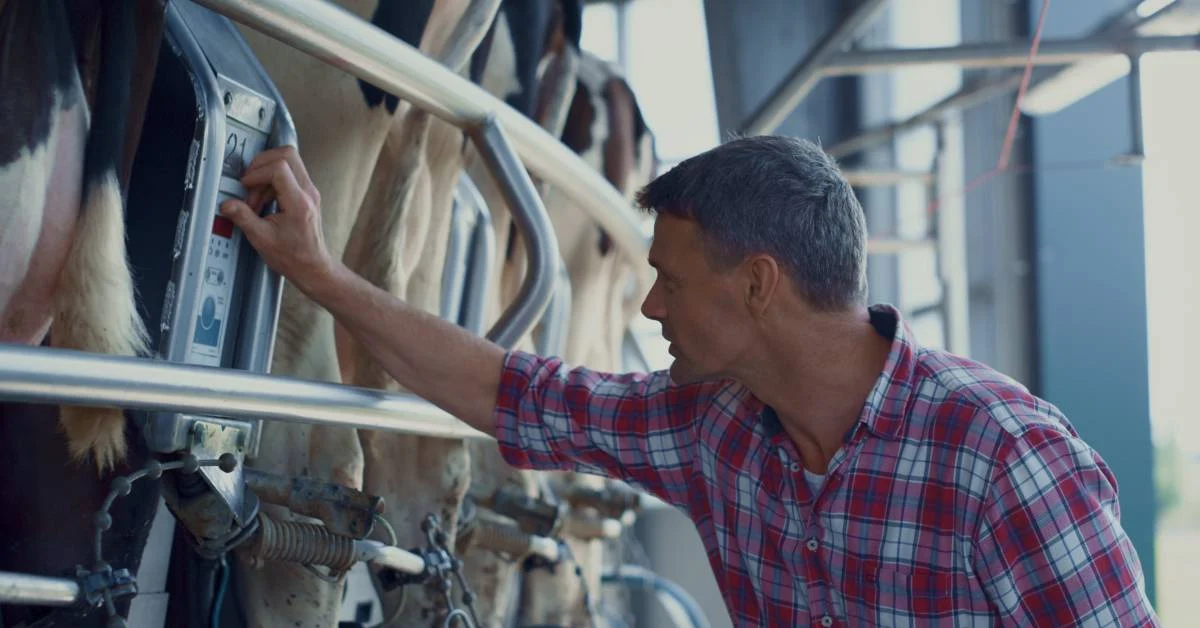

Livestock equipment integration is the difference between “we weighed today” and having usable records you can trust tomorrow. When EID reader integration, cattle scale integration, and livestock sensor integration are set up correctly, your herd management system captures the proper animal ID, the correct weight, and the event context in one flow without retyping.
This post gives you a field-to-cloud blueprint: what to connect first, how to run yard sessions, and how to keep data clean so drafting, treatments, and performance decisions are based on facts. You’ll leave with a practical checklist you can apply to any brand of reader, scale, or sensor.
Why “Livestock Equipment Integration” Matters
When yard data lives on paper, you pay twice: once in the race, and again at the desk. Tag numbers get misread, weights get swapped, and notes about treatments can be incomplete.
That matters because treatment records should include the animal ID, date, and the meat withdrawal period to support food safety. In real datasets, missing IDs and dates are familiar enough that researchers sometimes have to remove records or manually check for entry errors. The result is delayed decisions and less confidence in every report when it counts most.
What good integration unlocks
Good livestock equipment integration turns working days into decision-ready data. When you integrate the EID reader with the software and integrate the cattle scales, the animal ID and the stable weight are captured together, every time.
- It gives you cleaner performance histories, including average daily gain, so you can spot poor performers early and draft or market cattle by actual weight.
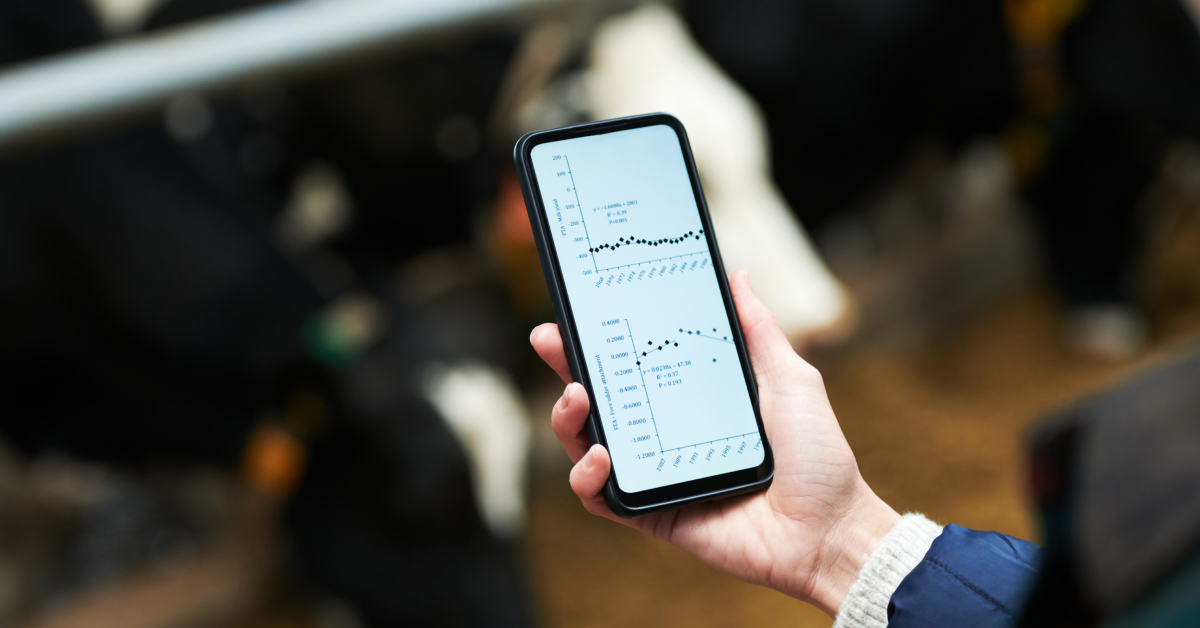
- Many setups also run in “sessions,” letting you record in the yards and sync later via an app when connectivity improves.
- You can also automate drafting based on weights and cohorts.
The Integration Map: Devices, Data, and Where It Should Land
Think of your “yard stack” as a clean pipeline. Your EID reader captures an animal’s electronic ID. Your weight head/indicator captures the stable weight from the load bars.
In many setups, the reader and indicator pair over Bluetooth or Wi-Fi, so the indicator stores ID + weight together. If you have drafting, the indicator or app can send draft commands based on weight ranges.
A mobile app then connects to the reader/indicator, imports that session, and writes it into your cattle farm record-keeping system. From there, data syncs to the cloud for dashboards, sharing, and practical integrations.
The core data you want per animal:
For each animal, aim for a minimum viable dataset that your cattle record-keeping system can trust.
- Start with identity: the EID number and the visual tag you use in the paddock, mapped once so you’re not guessing later.
- Add the weight, plus a timestamp, so you can trend performance and calculate gain between work sessions.
- Capture session context, including mob, yard, and purpose, along with weigh, treat, preg-check, draft, and the operator, so that you can audit unusual results.
- Finally, store notes or custom fields you actually use: treatments, conditions, class, lot, or destination.
In practice, “session-based” working is the most reliable pattern: you record a yard session offline if needed, then upload or share the session file into your herd management system when you’re back in signal. Many setups auto-enter weight once locked.
Connection Options That Actually Work on Farms
On paper, most devices “connect.” In the yards, only a few connection paths stay reliable when dust, distance, dead spots, and multiple operators show up.
Start by choosing the path that matches how you work: do you need live drafting decisions at the race, or is an end-of-day upload fine? Bluetooth cattle scales and EID reader Bluetooth pairings are popular because they’re quick to set up and work without infrastructure. If your place has patchy coverage, prioritize an offline herd management app that records a full working session and syncs later.
For higher throughput, weigh head integration plus a panel reader and drafting gate can remove manual steps, but only if installation is right. Use the table below to pick your “good enough” setup before you chase perfection for your operation.
| Method | Typical Setup | Pros | Cons | Best For |
| Bluetooth reader + Bluetooth indicator → mobile app | Reader ↔ indicator (BT), phone connects | Fast setup; fewer re-keys | BT range; pairing quirks | Small–mid yards |
| Reader → indicator (EID+weight) → batch export | Indicator stores session files | Reliable capture; simple audit | Export step adds time | End-of-day upload |
| Offline-first mobile sessions → sync later | App logs session offline | Works in no-signal yards | Needs disciplined SOP | Remote operations |
| Panel reader + drafting gate integration | Panel at race + auto draft | Highest throughput | Install sensitive | High-volume processing |
| Vendor cloud → herd management system | Sensor platform exports data | Multi-site visibility | Depends on vendor tooling | Sensors + fleets |
Compatibility checks before you buy anything:
Before you spend money, run “fit-to-decision” checks, not brand comparisons.
- Ask: what decisions must this data support (draft by weight, track gain, verify treatments), and what reports do you need in your herd management system?
- Next, confirm EID compatibility: can the reader send IDs directly to your weight head, or into the app you use?
- Then, validate integration: does your cattle record-keeping system accept session files, or does it require an API connection?
- Finally, check the realities of your yards: Bluetooth range, Wi-Fi hotspot workflows, and panel mounting requirements where metal can affect read accuracy.
Note: Get the vendor’s supported-device list in writing and test one working day before you scale with your actual operators.
Implementation Roadmap to Integrate Livestock Equipment into Your System
A practical, step-by-step roadmap to move livestock equipment integration from trial runs to repeatable daily workflows your team can execute confidently in real yard conditions.
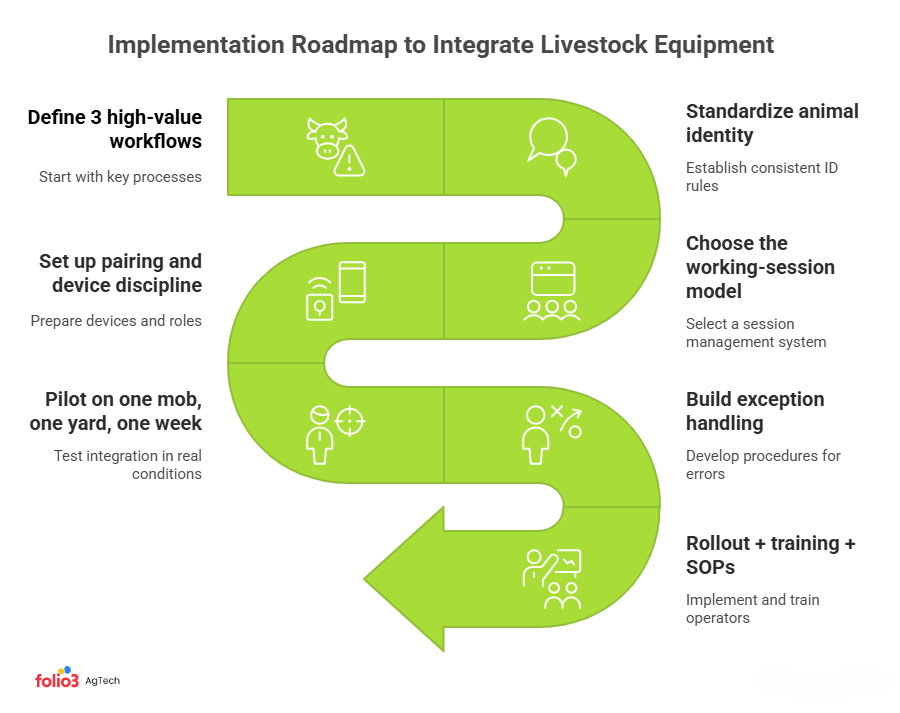
Step 1: Define 3 high-value workflows
Start your livestock equipment integration by choosing three workflows that repay you fast: weigh + draft, treat + withdrawal, and preg check + grouping. Each one has a clear capture moment in the yards and a clear decision in your herd management system. If you start with “all data,” operators skip fields, and you lose trust. Keep it tight: one session, one mob, one report you can validate today.
Step 2: Standardize animal identity
Before you learn how to integrate EID readers, lock down identity rules. Decide which field is the “master” ID and how visual tags map to it. Set a policy for replacements of lost tags and new visual tags, so the animal stays the same record, not a duplicate. Do a one-time cleanup in your record-keeping system: merge duplicates, fix unknowns, and standardize formats.
Step 3: Choose the working-session model
Pick a working-session model and make it non-negotiable. Sessions group a day’s scans into one package, which reduces mix-ups between mobs and makes audits easier. For example, organize cattle workings into sessions that can run online or offline, and can auto-add weights from a connected indicator once the weight is locked. Also, focus on downloading and sharing session files from devices to your phone or services.
Step 4: Set up pairing and device discipline
Treat cattle scale integration setup like a yard SOP, not a one-time IT task. Assign roles: one person monitors the weight head/indicator, another scans EIDs, and one verifies exceptions. Pair devices before cattle enter the race, then keep the workflow consistent. Confirm your app supports your indicator and reader connection method and test reconnection steps. Also, check phone screen-timeout and power settings so sessions don’t break mid-working.
Step 5: Pilot on one mob, one yard, one week
Run a controlled pilot: one mob, one yard, one week. Your goal is to prove the integration works under your real pace and with your people. Track five numbers: EID read rate, percent of animals with a captured weight, time per head through the race, reconciliation time back at the office, and exception counts. After that, export the session and confirm each record lands cleanly in your herd management system.
Step 6: Build exception handling
Build exception handling before you scale. Define what happens when an EID is missed, a tag is double-scanned, or a weight looks wrong for that animal. Use a “weight locked” rule: only record weights when the indicator shows a stable/locked reading, as it can auto-enter the weight once the indicator has locked on. Keep a simple exception list during the session and resolve it immediately, not days later in spreadsheets.
Step 7: Rollout + training + SOPs
After the pilot, roll out in waves and document the “one right way.” Create an operator cheat sheet: pairing steps, session naming conventions, and the minimum fields that must be captured every time. Train people on exception rules and on closing a session, exporting it, and verifying it in your cattle records the same day. Set a data review cadence to spot duplicates, missing weights, and outliers, then adjust the SOP and app settings before the next working day.
Data Quality and “Farm-Proof” SOPs for Successful Equipment Integration of Your Livestock
Clear data rules and farm-proof SOPs that protect livestock data accuracy, improve EID read reliability, and prevent errors from panel interference or rushed yard work.
Read-rate and interference
EID read accuracy is primarily an installation problem, not a “tag problem.” Panel readers read within 55–150 cm in a 360-degree field, so placement matters. You want the antenna close enough to the animal, but not close enough to pick up tags you didn’t intend.
However, metal can cause panel reader interference, which is why guidance often recommends mounting on timber rather than metalwork. If your read-rate drops, check reader distance settings, panel angle, and race design before blaming the tags and power stability.
Minimum data rules
Livestock data accuracy comes from simple validation rules.
- Require every record to belong to a named session (date-yard-mob-purpose), so orphan scans do not pollute your herd management system.
- Never save a weight unless the indicator shows a stable or locked reading, or you will chase outliers later.
- For treatments, make fields mandatory: animal ID, drug/product, dose, route, date/time, and the withdrawal period. It reduces residue risk, supports audits reliably, buyer confidence, and compliance checks.
How to Integrate Sensors in Your Livestock System
How to integrate livestock sensors so that activity, health, location, and environment data trigger real actions like drafting, treatment, pasture moves, and heat-stress responses on the farm.
Sensor categories that integrate well with management systems
For livestock sensor integration, focus on sensor types that already fit a herd management system workflow.
- Activity and behavior wearables (collars, ear tags, leg bands) often use accelerometers to infer grazing, rumination, or lying time.
- Temperature or health indicators can flag fever risk earlier than visual checks.
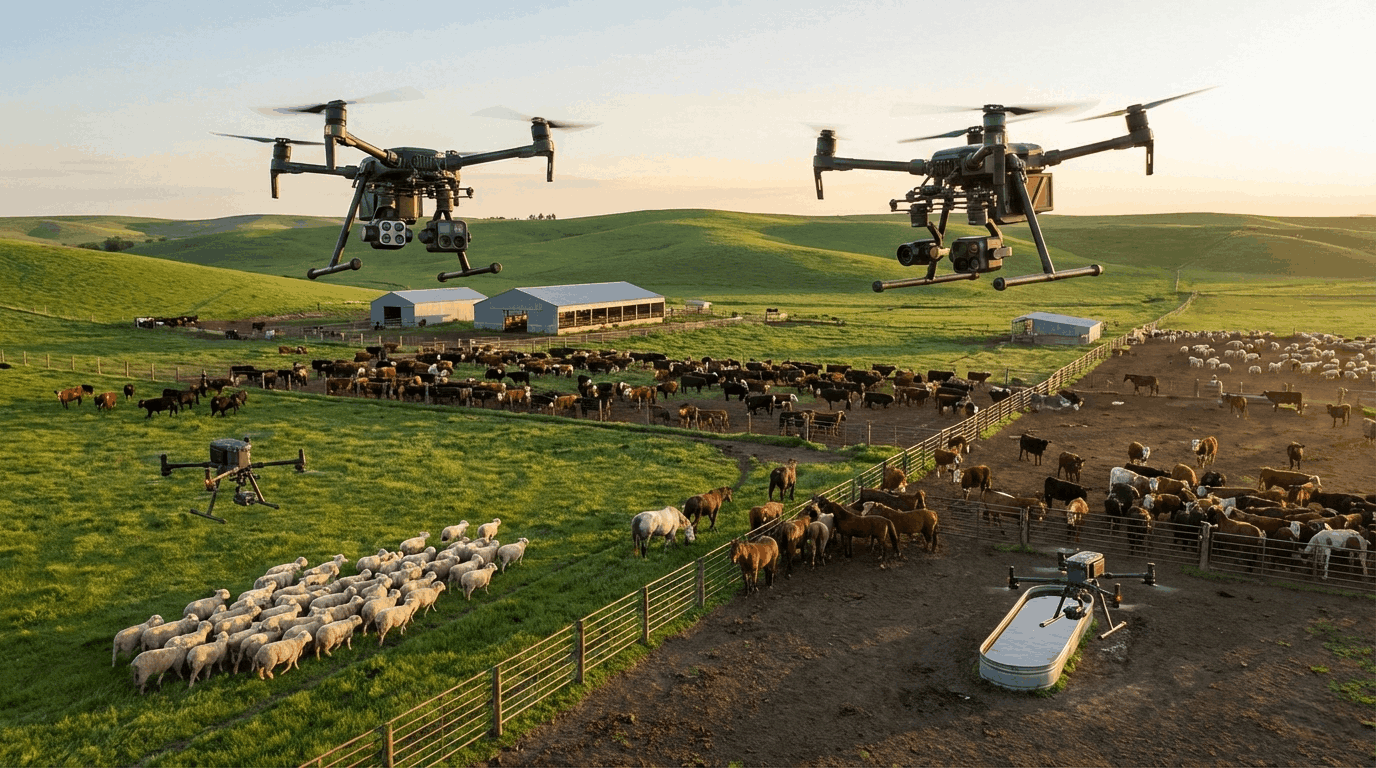
- Location sensors (GPS) support mustering planning and virtual fencing programs.
- Environmental sensors (heat, humidity, water points) add context for performance and welfare.
- Precision livestock farming sensors typically cover these as core monitoring technologies for cattle, combining wearables, GPS, and data collection.
Choose platforms that export time-stamped data per animal, not only dashboard summaries.
The integration rule
IoT livestock monitoring only pays off when each sensor stream triggers an explicit action in your cattle record-keeping system.
- Start by defining thresholds you can defend and review weekly: for example, low-activity flags create a full list for a yard health check.
- Weight or rumination trends can generate a draft list for re-weighing, treatment, or segregation.
- GPS boundary events can become a pasture-move task, not a one-off notification.
- Heat index alerts should tie to a heat-stress protocol, including shade, water access, and timing of handling.
- If an alert cannot map to a task, trend, or decision, do not integrate it yet.
How to Prove the Integration Paid Off
A simple framework to calculate ROI from livestock technology using KPIs that show labor savings, cleaner records, faster decisions, and measurable gains in animal performance.
The 4 KPIs that usually move first
Track four KPIs that show the ROI of livestock technology fastest.
- Minutes per head tells you whether the flow improved after Bluetooth pairing and fewer re-entries.
- The error rate measures wrong weights or wrong IDs.
- Missing records show whether each animal ended the day with an EID and weight in your cattle record system.
- Days to decide measures how quickly you can draft, treat, or market using data that improves ADG tracking each time.
A simple ROI model you can start with
Use a model your team can verify. For each working, calculate labor saved hours equals times head count, divided by sixty, to reduce labor in cattle processing. Add avoided rework time from fixing mismatched IDs and weights.
Then estimate value from improved drafting accuracy by weighing with EID supports tracking average daily gain and drafting or marketing by actual weight. Subtract software and hardware costs.
Conclusion
Livestock equipment integration works when you treat it like a system, not a gadget demo. Start with one workflow, design for offline sessions, and enforce basic data rules, so every record has an ID, a locked weight, and context. Once the yard team trusts the process, scale to more mobs, more yards, and sensors. If you want to de-risk your setup, request an integration readiness checklist or compatibility audit by consulting with our Agtech experts.
FAQs
Do I Need Internet In The Yards For Livestock Equipment Integration?
Not always. Apps can support offline sessions, so you scan EIDs and record weights in the yards, then sync when you have coverage. You can also export the session file later.
Can I Connect EID And Weight So I Don’t Mismatch Animals?
Yes. Send the EID number from your reader to the weight head, so the indicator stores ID and weight together. Your system can enter weight into the scan record once the indicator has locked, preventing mismatches and rework.
What If My Software Doesn’t Support My Scale Brand?
Start with export and import. If your indicator can export a session as CSV, your record system may ingest it. If imports are not supported, ask for an API option or choose equipment from the software’s compatibility list.
How Do I Prevent Duplicate Animals And Messy IDs?
Set one master identity, EID, and map each visual tag to it once. Enforce a tag replacement rule so the record follows the animal. Require every scan in a session, and review duplicates weekly before they spread.
What’s The First Integration To Do If I’m Starting From Paper?
Start with EID reader integration plus cattle scales, so you capture animal ID and weight in one yard session. It replaces paper fast and gives you a baseline for drafting and average daily gain tracking between workdays.